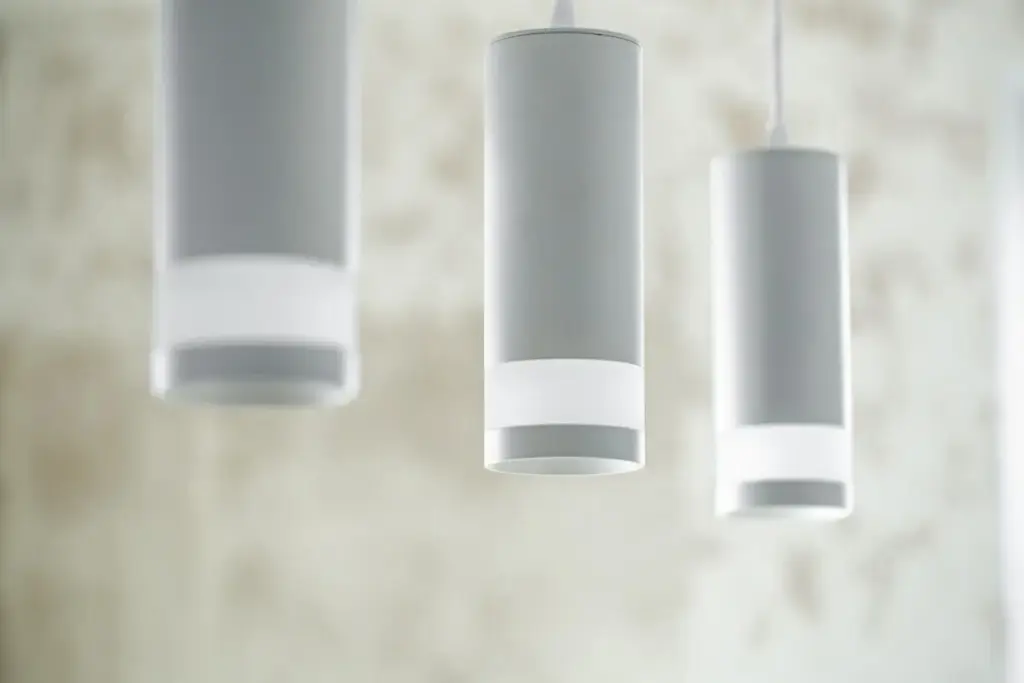
Plug-and-Play Comfort Anywhere You Live or Host

Today we explore portable smart home kits for short-term rentals and frequent movers—solutions that set up in minutes, protect privacy, and travel easily. We’ll unpack practical gear, quick-start workflows, safety tips, and real stories to help you enjoy consistent comfort, security, and savings wherever you go.

Essential devices that actually travel well

Choose gear that shrugs off moves: magnetic window sensors, plug-in bulbs, thread-based buttons, and power-bank friendly hubs. Avoid wired thermostats or hardwired switches unless the property allows temporary plates. Pack protective cases and spare adhesive tabs so nothing gets left behind during a rushed checkout.

Compatibility that survives unknown apartments

Aim for platforms that survive foreign apartments and new routers: Matter over Thread simplifies migrations, while multi-protocol bridges preserve older Zigbee accessories. Keep a universal power adapter, and export your device list so re-pairing is faster when networks or regions change suddenly.

Power and networking when Wi-Fi is weird

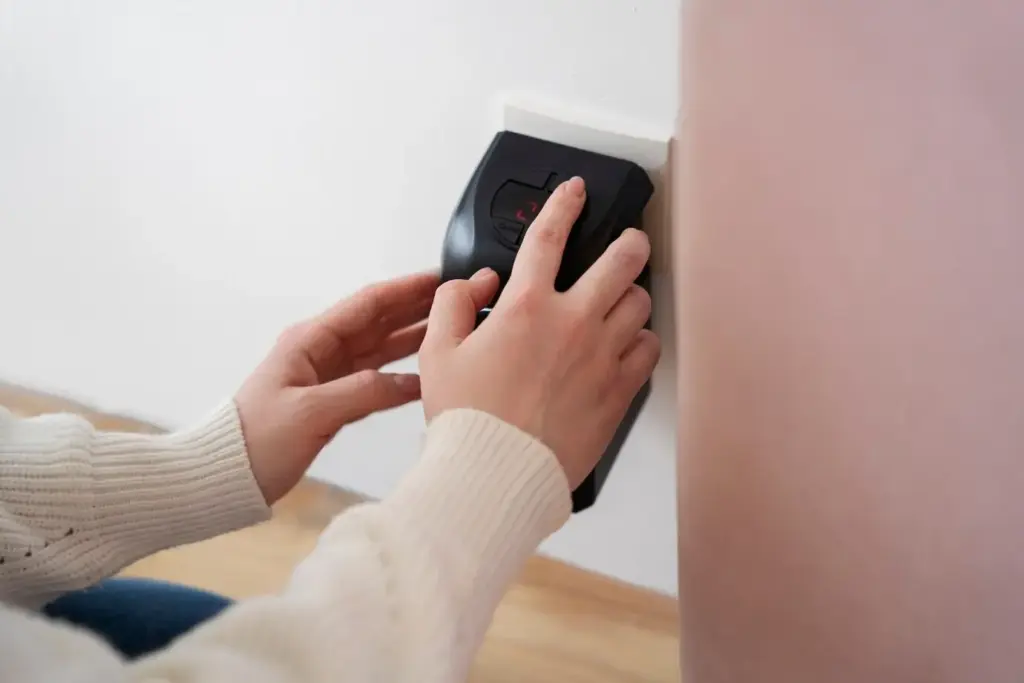
Short-term rentals often hide captive portals, password sheets, and congested 2.4 GHz channels. Bring a travel router to create your own stable SSID, bind devices once, and bridge upstream logins. Prefer plug-in smart plugs as repeaters to stabilize edge rooms or balconies.

What Fits in a Carry-Along Smart Setup

Your carry-along kit should be compact, adhesive, and flexible: a Matter-enabled controller or hub, plug-in smart plugs, battery door sensors, a small indoor camera, a travel router, and perhaps a portable CO/smoke listener. Focus on devices that pair fast, detach cleanly, and tolerate unpredictable Wi-Fi.

Install in Minutes, Leave No Trace

Landlords appreciate reversible improvements. Use removable adhesive, magnetic brackets, and tension rods instead of screws. Label every piece, photograph original placements, and map where command-strips sit. Build a fifteen-minute pack-out checklist so checkout is drama-free, and train roommates or co-hosts to reverse changes without guesswork.

Security and Privacy When Guests or Roommates Rotate

Safety should travel with you, not snoop. Favor keypad locks with time-bound codes, privacy-respecting indoor cameras that disable when you’re home, and encrypted accounts with two-factor. Establish consent rules, document what’s monitored, and publish clear check-in guides. Rotate passwords and revoke access whenever people change.

Temporary codes, shared control, and respectful boundaries

Hosts can issue expiring lock codes per booking and share limited app roles for cleaners. Roommates deserve opt-out zones and physical privacy sliders. Keep indoor cameras off when occupied, and rely on door sensors and entry chimes instead. Always state policies upfront to avoid mistrust and conflict.

Noise, occupancy, and camera policies that stay ethical

If you monitor noise levels to protect neighbors, use decibel-only sensors and never record speech. Avoid cameras indoors for guest stays; prefer entryway views or doorbell feeds. Explain what is measured, why it matters, and exactly how long data persists before automatic deletion.
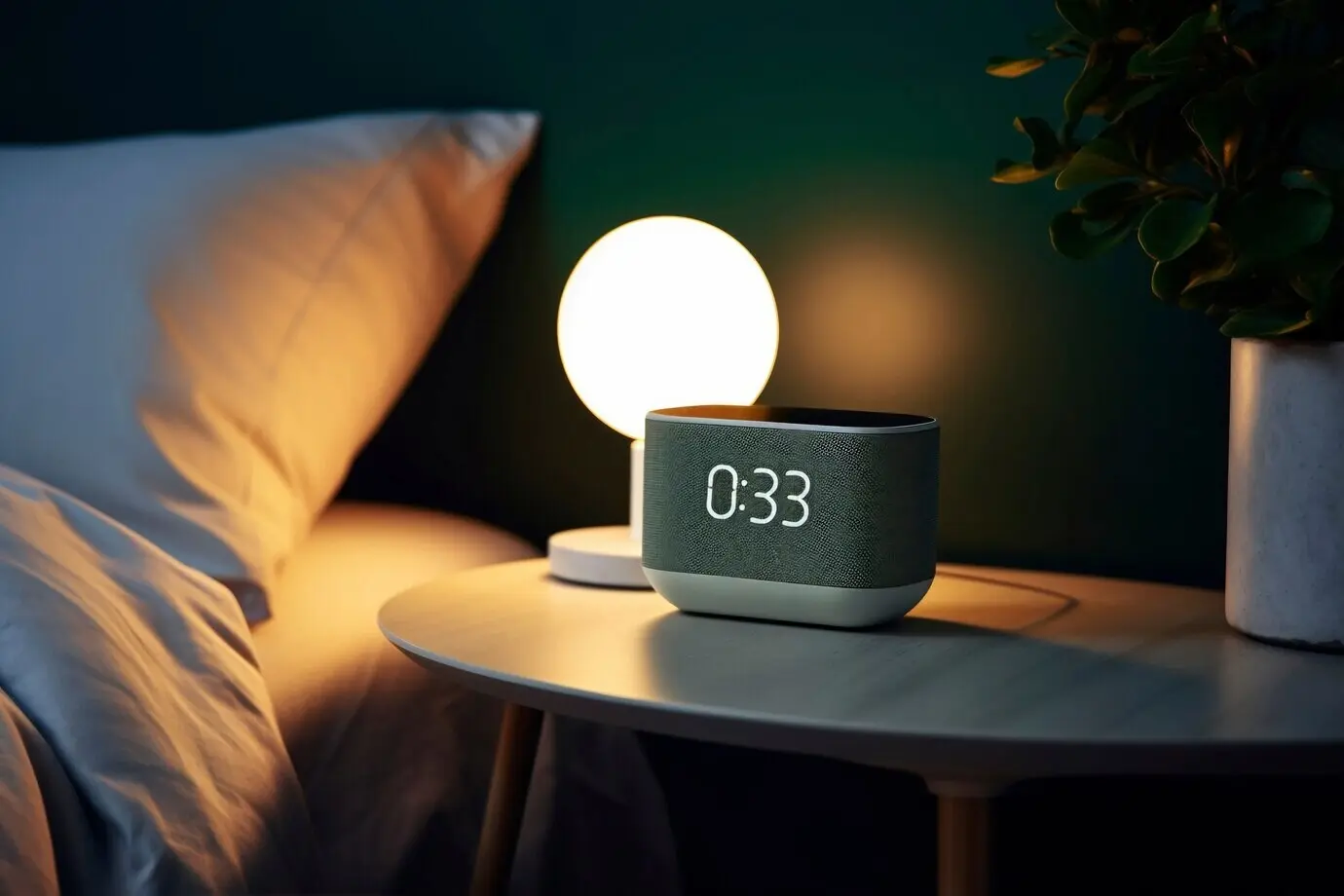
A mover’s day-one comfort scene

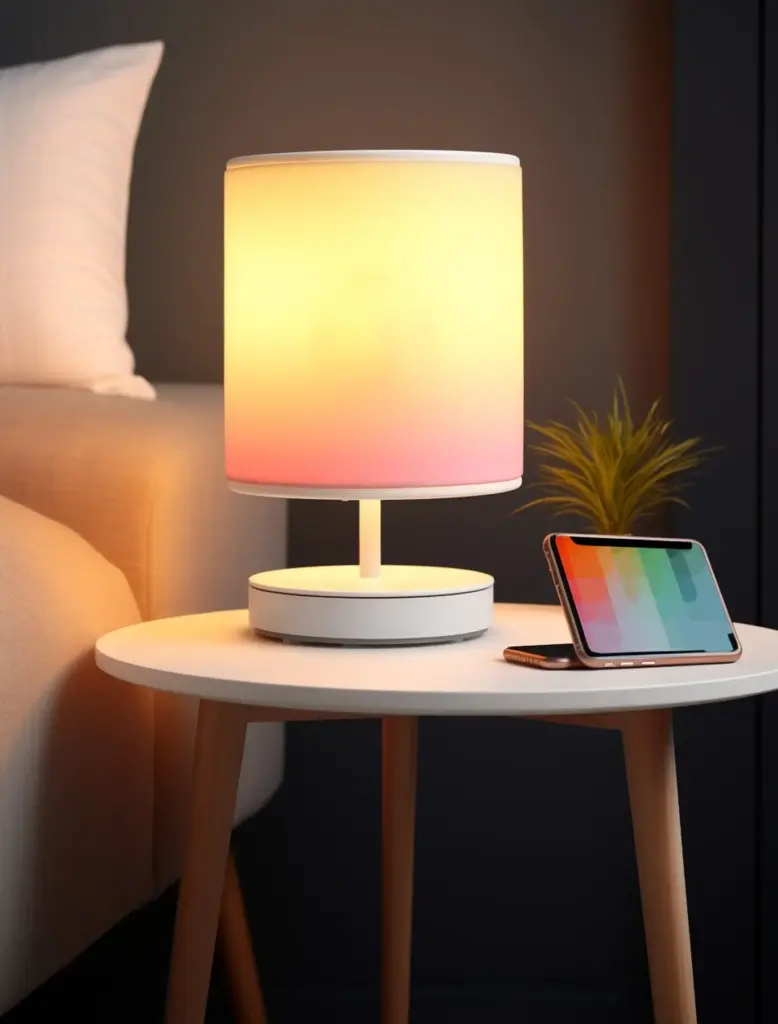
As boxes arrive, a single button turns on hallway lamps, starts a gentle playlist, and sets a safe thermostat range. A plug on the kettle becomes a hydration reminder. Meanwhile, sensors confirm entrances are latched, helping you focus on unpacking instead of chasing scattered switches.

A host’s between-stays turnaround

Trigger a reset when the cleaner arrives: lights brighten, a portable air purifier runs, and a Bluetooth tag on the laundry basket checks presence. Once the door locks again, scenes revert to eco mode, and the welcome lamp arms to greet the next traveler warmly.

Beating captive portals and unstable rental Wi-Fi
Many rentals require room numbers or surnames to authenticate. Your travel router handles that once, then safely hides your devices behind a private network. When interference spikes, switch channels, reduce transmit power, and move repeaters away from thick walls, aquarium glass, or metal headboards.

Diagnosing battery drain across different climates
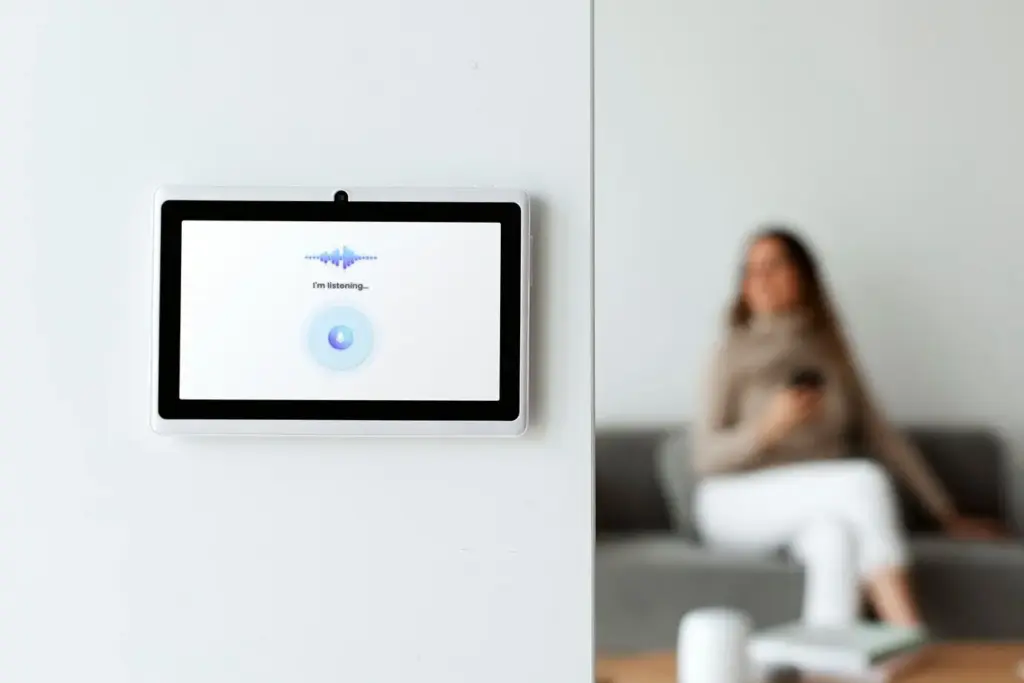
Cold apartments, long polls, and weak signal ruin coin cells. Shorten sensor reporting intervals, test door gaps to prevent constant wakeups, and carry fresh CR2032s. Keep logs of install dates and temperatures, then compare across cities to learn patterns and avoid surprise late-night replacements.

Offline failsafes when clouds or internet vanish
Prioritize local executions: buttons that toggle lamps, locks with onboard codes, and thermostats that keep a setpoint without an app. Download manuals offline, and stash QR codes in a notebook. When outages strike, essentials keep working, easing stress during check-ins or moving trucks.

Costs, Value, and a Lightweight Roadmap

Start with affordable pieces that deliver outsized comfort: two plugs, two sensors, a button, and a compact hub or Matter controller. Add gradually as needs clarify. Hosts can recoup costs through energy savings and reviews, while movers keep deposits secure and rooms feeling reliably like home.

Starter, balanced, and pro kits that still fit a backpack

Begin with a micro kit under a kilogram. Upgrade to a balanced set adding a keypad and air quality sensor. Pros layer noise sensors, leak detectors, and travel routers. Keep the entire bundle in a small cube organizer that drops quickly into luggage.

Where the savings come from and how to measure

Savings land in quieter complaints, faster turnovers, and reduced energy waste. Track runtimes with plug analytics, and compare before-after utility snapshots. Ask guests how lighting felt. Record time saved on check-ins. These small metrics guide smarter upgrades while keeping expectations grounded in real outcomes.

Upgrading over time without wasting purchases

Favor standards that unify ecosystems, then add devices incrementally. When something breaks, replace with Matter-capable versions to simplify future moves. Resell duplicates, donate older hubs, and keep firmware updated. Share your progress in the comments, and subscribe for monthly load-out checklists and portable automation blueprints.

Zefoxenakaponalufilo
Privacy Overview

This website uses cookies so that we can provide you with the best user experience possible. Cookie information is stored in your browser and performs functions such as recognising you when you return to our website and helping our team to understand which sections of the website you find most interesting and useful.