Wire‑Free Peace of Mind for Renters

Today we dig into wire‑free apartment security built around battery‑powered cameras and peel‑and‑stick entry sensors, showing how renters can protect doors, windows, hallways, and deliveries without drilling, contracts, or deposits at risk. Expect practical placement tips, real stories, and smart routines that actually fit small spaces, busy schedules, and building rules. We will keep installation gentle on walls, power reliable, alerts useful, and privacy respected, so your home feels safer the very first night.

Choose Cameras That Match Your Space

Consider battery life, field of view, and indoor versus weather‑resistant designs if your balcony needs attention. Look for dependable motion detection using PIR or pixel change, HDR for backlit doors, and dual‑band or 2.4 GHz Wi‑Fi compatibility. Magnetic mounts help you fine‑tune angles without a drill, while removable batteries simplify recharging. Favor brands with clear privacy controls, on‑device processing options, and responsive apps that won’t bury essential settings behind confusing menus.

Entry Sensors That Stick, Stay, and Align

Peel‑and‑stick entry sensors rely on clean surfaces, correct gap tolerances, and patient adhesive curing time. Wipe frames with alcohol, let them dry, then press firmly for at least thirty seconds. Align magnets so the contact closes reliably, even on slightly warped doors. For tricky casings, use included shims or thin foam pads. Choose adhesives rated for painted wood and metal, and remember that full bond strength may require twenty‑four to seventy‑two hours before stress testing.

Placement Strategies for Tight Apartments

Small spaces demand smart angles. One camera near the main entrance can cover a hallway, living room threshold, and package drop zone, especially with a wide field of view around one hundred thirty degrees. Another camera can watch a balcony or fire escape without capturing neighbor interiors. Entry sensors shine on front doors, bedroom windows, and sliding glass panels. We will reduce glare, tame reflections from glass, and prevent motion triggers from street lights or elevator traffic.

Power, Batteries, and Hassle‑Free Upkeep

Rechargeable or Replaceable: Pick Your Rhythm

Replaceable cells, like CR123A or standardized lithium packs, let you swap in seconds and avoid downtime. Built‑in batteries reduce small parts but require a charging window; plan a rotating schedule. Activity zones, clip length, and detection sensitivity dramatically influence days between charges. If your balcony gets sun, a small solar panel can maintain a gentle charge. Keep a charging cable nearby and track usage in your app’s battery analytics to anticipate replacements before inconvenient evenings.

Weather, Temperature, and Indoor Life

Even indoors, temperature swings near drafty windows can affect battery performance. Cameras rated for freezing conditions survive chilly balconies, but adhesives often prefer moderate ranges during installation. Avoid pointing directly into intense afternoon sun that heats casings. Wipe lenses, remove dust, and check for condensation after storms. Entry sensors on metal frames may read cooler; verify magnets hold alignment across seasons. Keep desiccant packs around storage drawers for spare batteries, and never charge swollen packs—recycle responsibly.

Maintenance That Never Feels Like Work

Create a monthly ritual: test sirens briefly, confirm notifications, and open each protected door once to validate logs. Update firmware when prompted, but wait until you are home to monitor success. Clean lenses with microfiber, not kitchen towels. Reseat sensors if paint shows micro‑flaking. Review audit history for odd login attempts and rotate your Wi‑Fi password yearly. A tiny calendar reminder protects the careful adhesive cure, keeps magnets aligned, and ensures recordings remain crisp and trustworthy.

Connectivity, Privacy, and Digital Safety

Strong Wi‑Fi and good privacy defaults make wire‑free protection feel effortless. Mesh systems or a strategically placed extender can stabilize 2.4 GHz coverage near doors and balconies. Use WPA3 when possible, and set unique device names to keep management tidy. Privacy zones and audio controls respect neighbors, while local storage or end‑to‑end encryption strengthens trust. Multi‑factor authentication and careful sharing settings keep accounts safe, especially when roommates, subletters, or visitors need temporary access to view live feeds.

Wi‑Fi That Reaches Every Corner

Apartments with thick walls or elevator shafts can confuse signals. Place your router centrally, raise it off the floor, and prefer 2.4 GHz for range when cameras sit far from the living room. If possible, dedicate an SSID for smart devices to isolate traffic. Use your app’s signal meter during placement, and resist hiding cameras behind heavy decor. Reboot schedules and automatic channel selection help avoid neighbor interference. Keep firmware current to benefit from roaming improvements and stability patches.

Privacy Features You Will Actually Use

Disable audio where local laws require consent, and set privacy zones to exclude public hallways or neighboring balconies. Schedule camera shutter covers during quiet mornings. If your system supports on‑device detection, reduce cloud transfers for peace of mind. Prefer vendors with transparent retention policies and easy export tools. Consider local microSD storage for sensitive areas, and regularly review what devices have account access. A respectful setup protects friendships and community, while still capturing crucial context during incidents.

Account Security That Holds Up Under Stress

Enable multi‑factor authentication immediately, avoid password reuse, and store credentials in a manager you trust. Share access with roommates through guest roles instead of handing over your login. Review sign‑in history monthly, and revoke devices you do not recognize. If you move, factory reset hardware before packing. Use passcodes on mobile apps to prevent shoulder‑surfing at elevators. When emergencies happen, you will be grateful your system kept control simple while rejecting unwanted attempts quietly in the background.

Geofencing and Schedules That Respect Routines
Set geofences small enough to avoid arming as you circle the block, but large enough to catch real departures. Create a weekday schedule separate from weekends, with quiet hours where only door openings notify you. Late‑night alerts escalate to louder tones or flash a smart bulb gently. Vacation mode can extend recording length while you travel. Test transitions for a week, tweak once, then forget it. Reliable patterns save battery and mental energy every single day.

Voice Assistants, Locks, and Lights Working Together
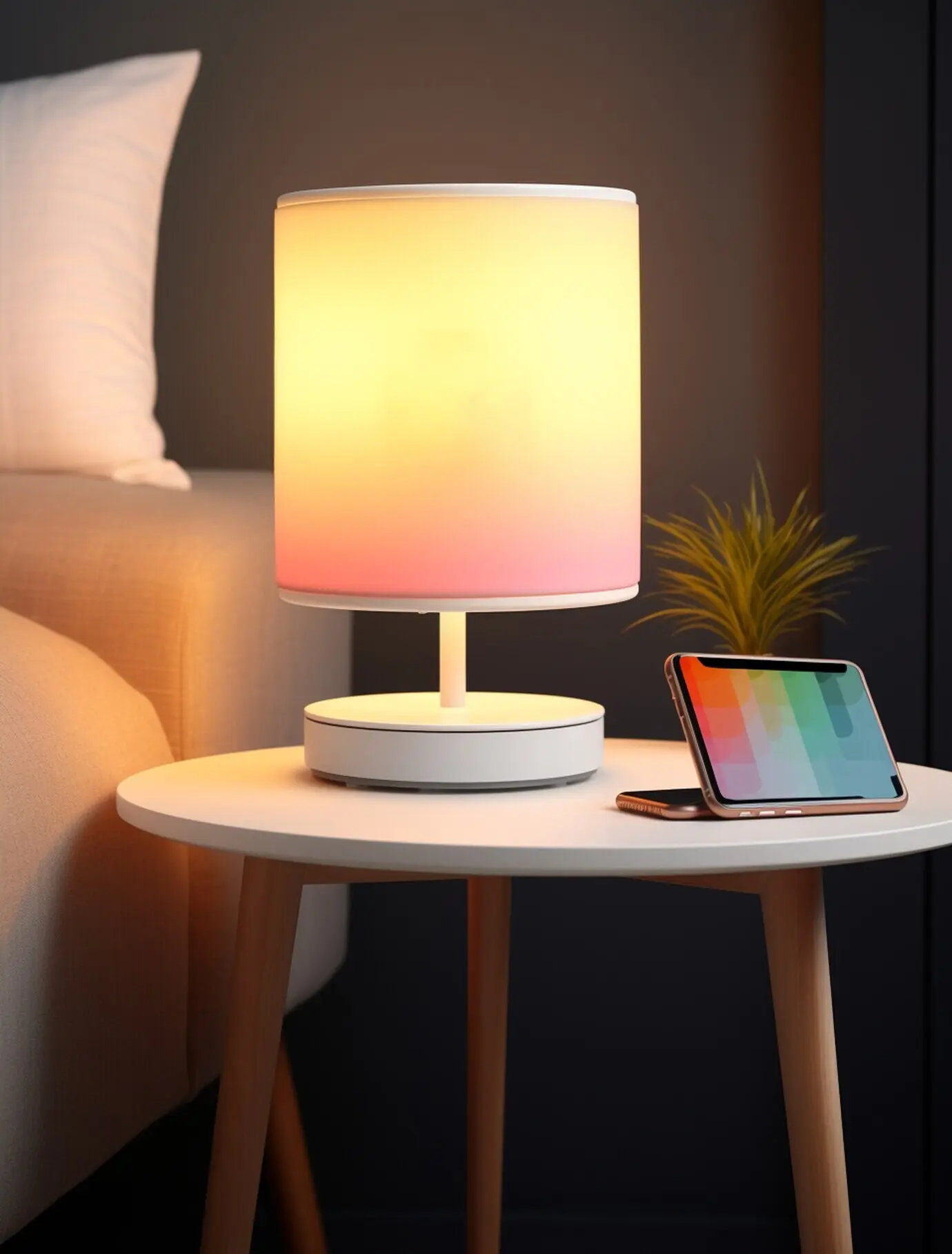
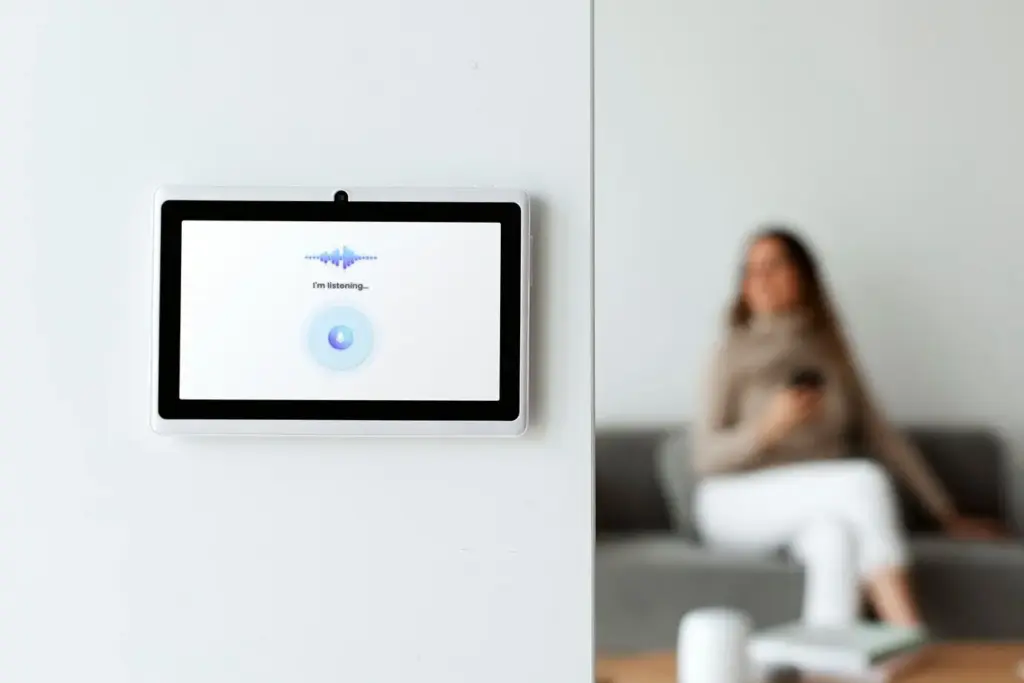
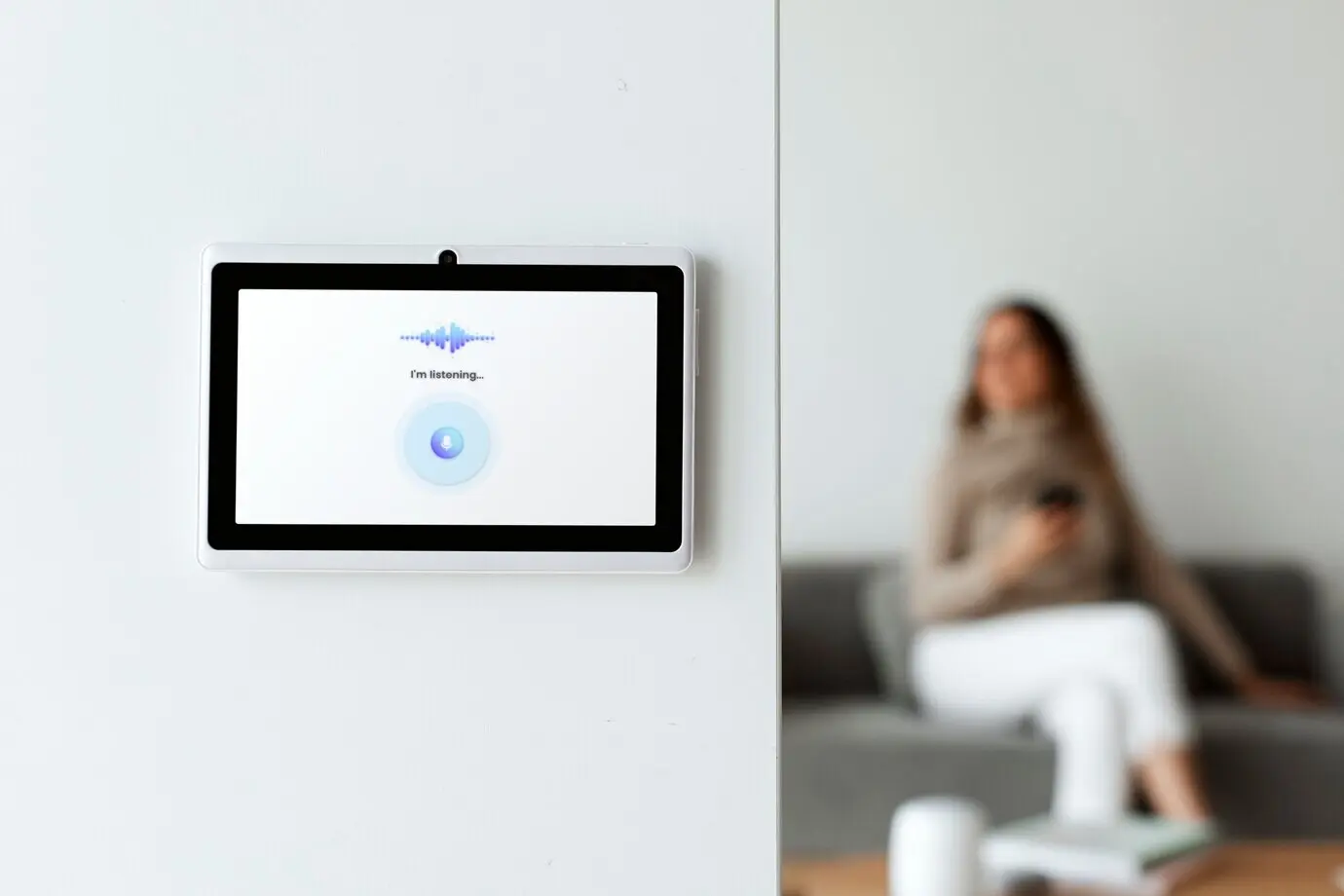
If permitted by building rules, pair a smart lock so cameras start recording when codes are used, linking faces to entries. A hallway light can warm to sixty percent when motion triggers after dusk, improving video clarity. Use voice shortcuts to arm sensors at bedtime without pulling out your phone. Keep security actions behind a PIN on smart speakers. Integrations should reduce friction, never complicate basic tasks, and always leave a clear manual override path when needed.

Notifications You Will Not Mute

Group alerts into tiers: instant for front‑door openings, digest summaries for routine motion, and silence known pet paths. Use rich thumbnails to understand context quickly; if you cannot tell what happened from the first notification, your settings need refinement. Limit redundant alerts across phones to one primary user at night. Weekly digests highlight patterns, like frequent courier visits, helping you adjust zones. The goal is fewer, clearer pings that prompt action without training you to ignore reliability.

Stories, Lessons, and Neighborly Etiquette

A Package Saved by Good Angles and Quick Clips

Maya’s camera sat opposite her door at eight feet, angled slightly down. When a stranger lifted a parcel, the clip began within one second, showing face, hands, and logo bag. Notifications reached her smartwatch, and she called the front desk before the elevator descended. Later, privacy zones prevented hallway spillover. The lesson is simple: crisp angles, fast wake‑up, and reliable connectivity create outcomes that matter, not just pretty settings buried inside a crowded app.

Pets, Balloons, and the Battle Against False Alarms

A corgi and a birthday balloon nearly ruined someone’s weekend with pings every five minutes. The fix was delightfully boring: raise the camera two inches, lower motion sensitivity slightly, and mask a reflective picture frame. Entry sensors handled real openings, while camera alerts focused on people. Testing during daylight and after sunset revealed different reflections. The result felt peaceful again, with alerts restoring meaning, and battery life stretching well beyond the anxious, jittery first week of experimentation.

Landlords, Hallways, and Legal Considerations

Check your lease before mounting anything visible from common areas. Many buildings allow interior cameras but restrict hallway recording or audio capture without consent. Keep lenses pointed inward, use privacy zones, and discuss reversible adhesive methods with management. If you move, heat the adhesive gently with a hair dryer and roll off residue slowly. When neighbors ask questions, explain your setup politely. Clear boundaries, transparent communication, and reversible installs protect your deposit and strengthen community trust, not tension.

Budget, Storage, and Real‑World Value
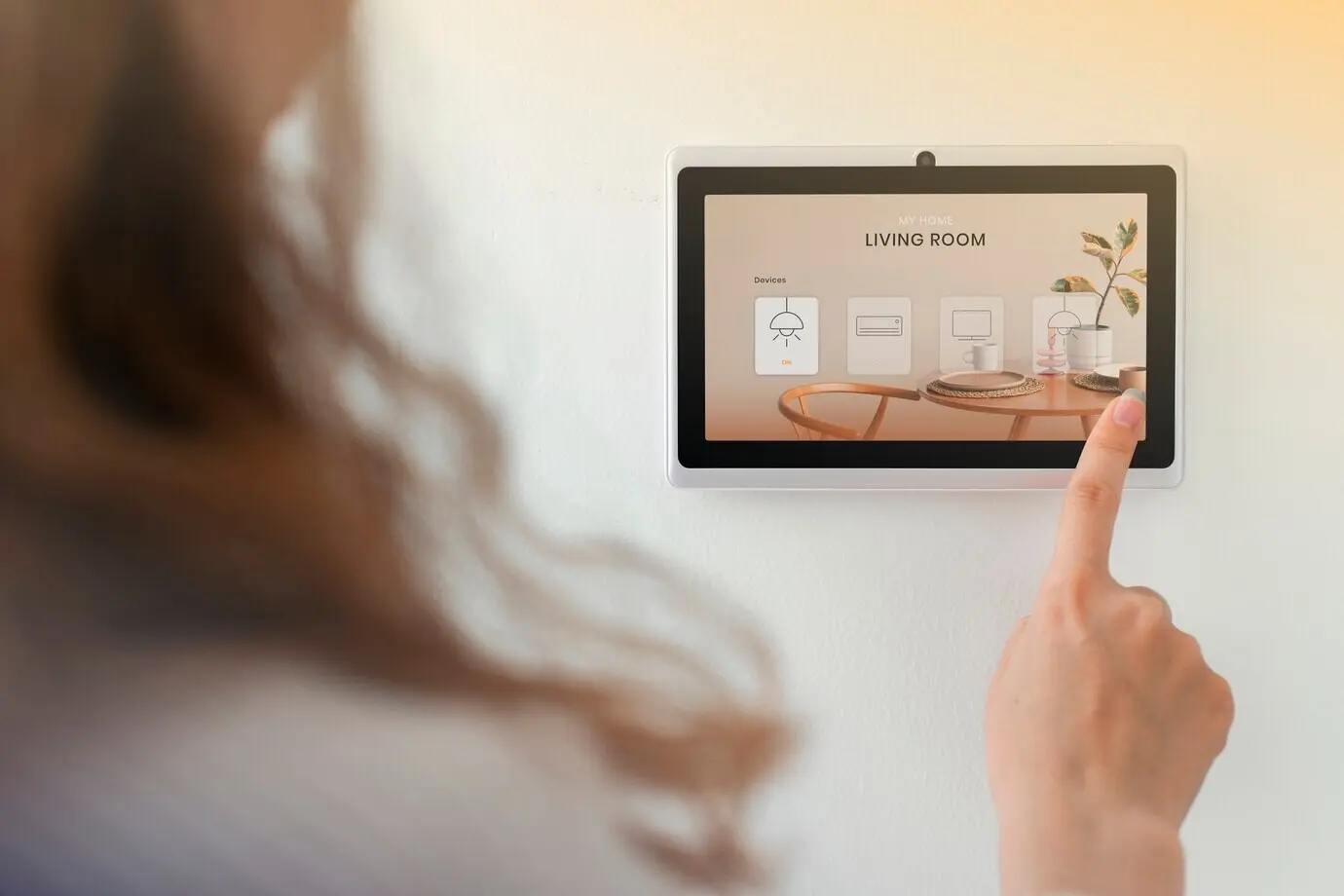
A thoughtful starter setup does not have to explode your budget. One battery camera for the entryway, another watching a balcony, and two peel‑and‑stick sensors often deliver tremendous coverage for renters. Decide between cloud plans, local microSD, or hybrid approaches that keep essential clips when traveling. Consider wear items—extra batteries, adhesive strips, lens wipes—and watch seasonal bundles. Track the hidden value: saved packages, calm evenings, and deposits protected from wall repairs. Security should feel like confidence, not subscription fatigue.
Zefoxenakaponalufilo
Privacy Overview

This website uses cookies so that we can provide you with the best user experience possible. Cookie information is stored in your browser and performs functions such as recognising you when you return to our website and helping our team to understand which sections of the website you find most interesting and useful.