Stick, Grip, or Click: Mount Smart Devices Without Holes
Painted Walls and Command Strips
Glass, Tile, and the Magic of Suction
Metal, Cases, and the Pull of Magnets
Preparation Makes It Invisible and Secure
01
Clean Like a Pro
Use 70–90% isopropyl alcohol on lint-free cloths to remove oils and dust. Skip ammonia-based glass cleaners that can leave films impacting adhesion. Let everything dry thoroughly. If a wall is chalky or dusty, lightly wipe, let settle, and wipe again. Micro-prep matters most where you cannot use screws, because the bond must rely entirely on invisible contact and cleanliness.
02
Measure Twice, Press Once
Map the position with painter’s tape, aligning verticals with a level and checking eye height. Mock the device with a cardboard cutout to test reach and glare. Once happy, press adhesive for the full recommended time. For multi-strip mounts, apply even pressure across the entire surface. Waiting the advised curing window before loading weight is the quiet hero of reliability.
03
Cable Routing Without Scars
Pair mounts with removable cable clips, minimalist channels, or slim Velcro ties. Route power and data along baseboards or cabinet undersides to preserve clean lines and prevent accidental tugs. Leave relief loops near connectors to reduce stress. When you eventually relocate, remove clips slowly at a low angle, warming adhesive if needed, so walls stay pristine and cables survive.
Installing Each Method Step by Step
Command Strips That Actually Hold
Suction Cups That Survive Steamy Mornings
Magnetic Plates That Feel Like Magic
Safety, Testing, and Long-Term Care
{{SECTION_SUBTITLE}}
The 24-Hour Patience Rule

Humidity, Heat, and Seasonal Shifts
Design, Aesthetics, and Everyday Use
Make It Look Intentional
Balance devices with existing wall art and sightlines. Use consistent spacing around door frames and switches. A small paper template helps preview scale before committing. Choose mounts and clips in colors that blend, or embrace contrast as a deliberate accent. Every decision whispers purpose, turning a practical placement into a quiet design moment that complements daily life rather than interrupting it.
Hands-Free Joy in Kitchens and Workshops
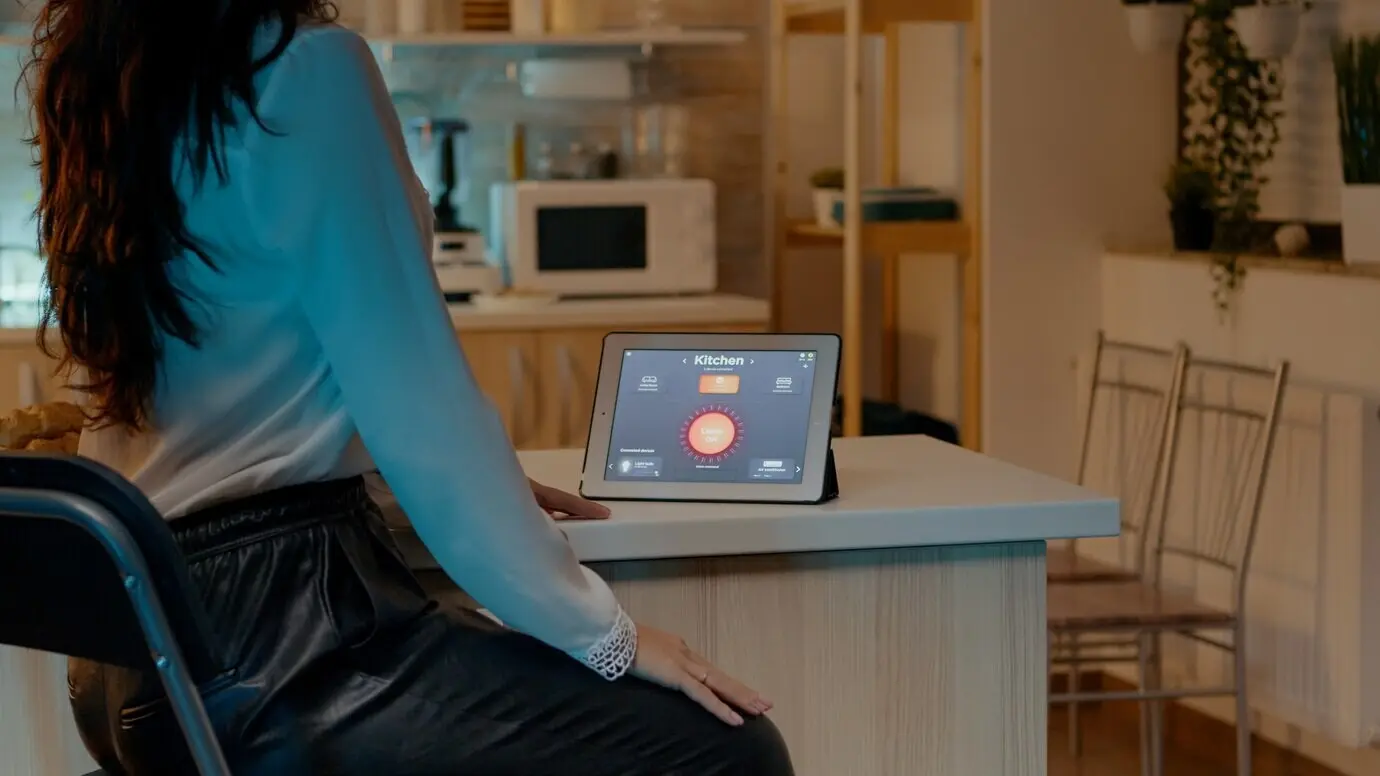
Recipe videos, timers, and tutorials shine when screens float safely off messy counters. Suction on tile keeps displays close yet wipeable. Magnetic strips hold tools and small sensors within reach. Use washable cable sleeves near sinks and sawdust. When the cleanup sprint begins, devices pop off quickly, surfaces shine again, and everything returns precisely where your hands expect it tomorrow.
Renter-Friendly Flexibility in Small Spaces
Rearrange without fear: adhesives release cleanly, suction lifts off, and magnets reposition in seconds. Mount sensors near doors, tuck tablets by beds, and park smart speakers on backsplash tiles. When leases end, restore walls in minutes. Share your layout experiments, because the clever trick that solves your hallway might spark someone else’s brilliant office nook or serene, uncluttered bedroom.
Troubleshooting, Edge Cases, and Community Tips
When Things Fall: Diagnosing Failure
Look for dust halos, oily fingerprints, or foam compression marks that signal poor contact. Verify that you stayed within weight limits, including cable tension. Note recent humidity spikes or heat sources. Replace any stretched tabs or scarred cups. Start over with meticulous prep, re-test with a lighter load, and scale up slowly. Treat setbacks as data, not defeats, and refine confidently.
Sensors, Compasses, and Health Devices
Strong magnets can influence phone compasses, some stylus docks, and certain medical devices. Keep magnetized mounts away from pacemakers and consult manufacturer guidance for safe distances. Avoid placing plates over NFC or charging coils. If navigation accuracy matters, test before daily use. Respect these boundaries, and magnets remain wonderfully practical without creating hidden frustrations or risk for you or loved ones.
Share Your Setups and Learn Together
Tell us what held fast through summer heat or steamy showers, and which clever cable path saved your paint. Post photos, drop dimensions, and include weight and surface details so others can replicate success. Subscribe for monthly build-alongs, reader spotlights, and quick experiments that push these methods further. Your iteration helps everyone mount smarter, safer, and more beautifully.
